This took me forever to do for some reason.
— Me most of the time.
I can’t believe I did it.
Idiot Handling Wires
This took me forever to do for some reason.
— Me most of the time.
I can’t believe I did it.


So, I made a hatrack, for all my stray hats that I can never keep track of. Most of the beginning of the project I spent a just familiarizing myself with Fusion360 again. It took some time relearning how to filet the corners, add screw holes, how to properly make a pipe from a sketch, and figure out why the fit-point spline had to be a certain angle so there wouldn’t be any tangent errors on the pipe. What was the most frustrating was the fact that I had no idea how to properly line anything up. I know there probably is an alignment tool, but I said whatever and just eyeballed it. I would zoom in real close until the bodies would perfectly line up with the nanometer cubes. I was using free move at first but had to move it to transpose because it at least moved box to box. The next most frustrating part was lining the pipes up so they would combine with the main plank. I spent a lot of time just fidgeting with the angles and making sure they were on line and equidistant. However, despite all my trials I ended up figuring it out. Funny thing is that I made screw holes in the beginning but ended up rendering it out of wood. So, it was kind of pointless, but if I rendered it outta some type of metal like aluminum, it has purpose. The measurements are as follows: Length= 300mm, Height= 60mm, Width= 10mm, Hook Length= approximately 60mm, Filleted Edges= 10mm, Screw Holes= 4mm, Hook Distance from Each Other= 60mm.


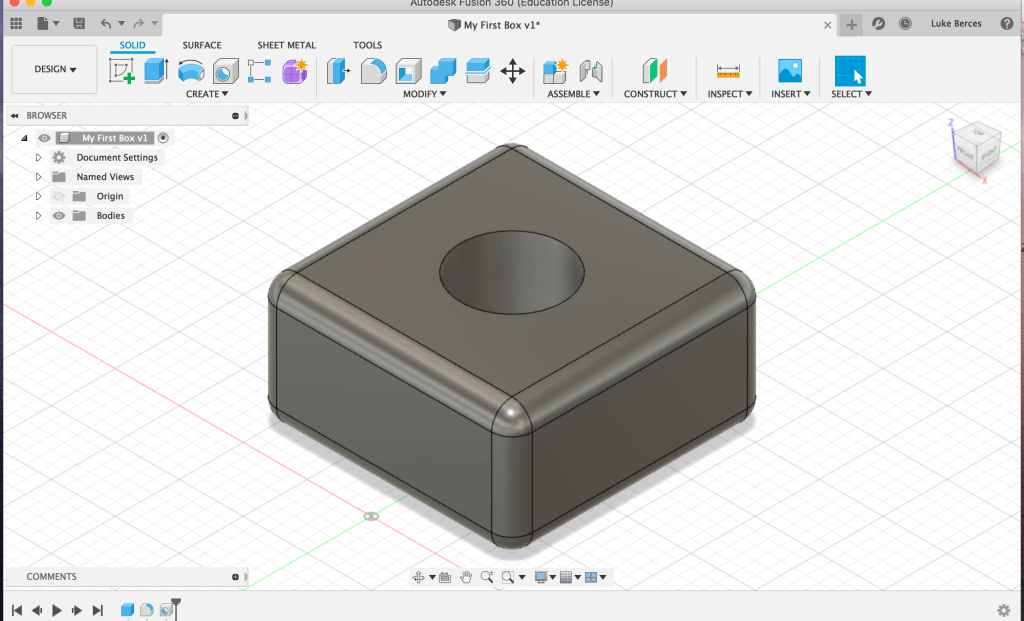
Super Easy. Just a rectangle with filleted edges and a hole in it.
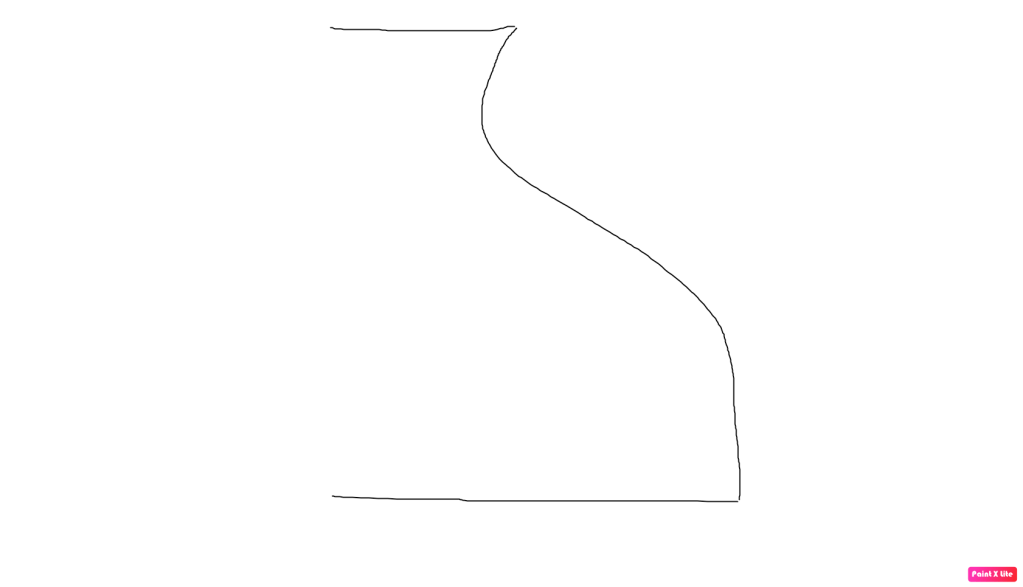

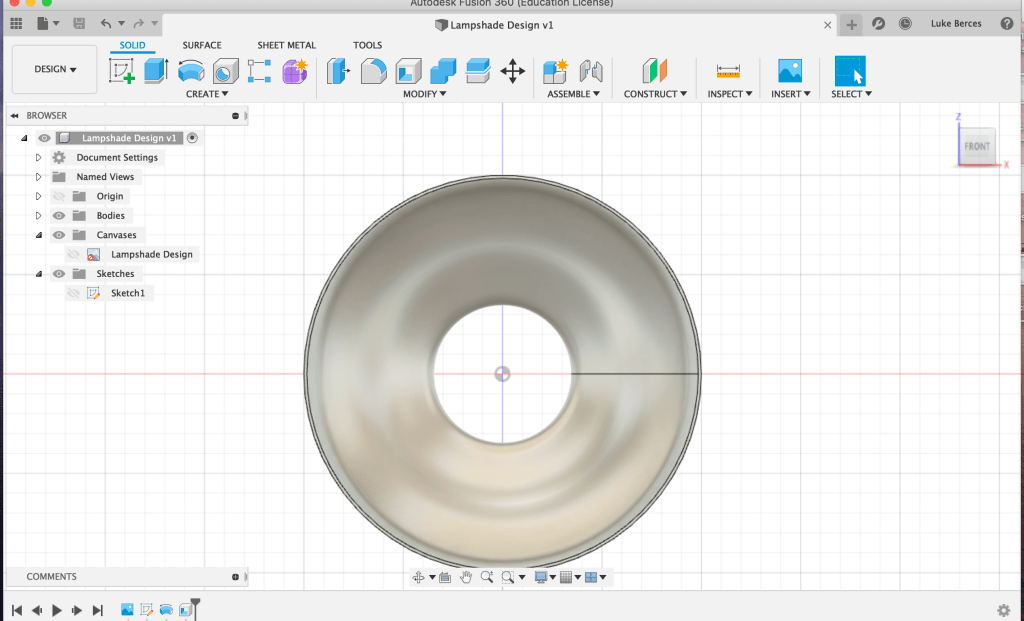
This is the lampshade from the top and bottom, and also the lampshade canvas. I made the top a lot larger than the original design, but I also don’t think it looks that bad.
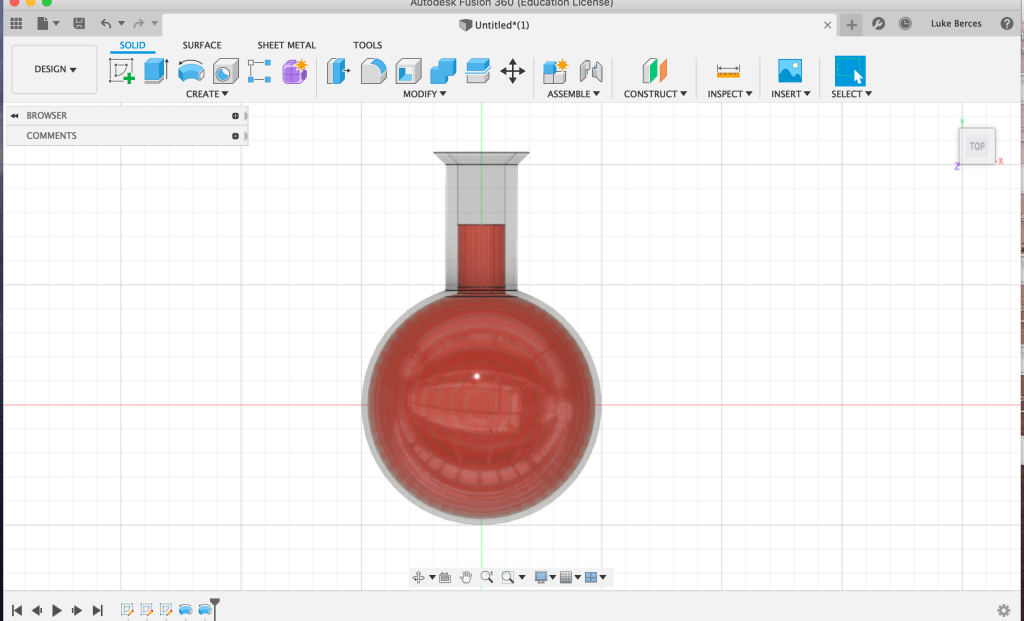
A flask with some red liquid in it. I replicated this one off the tutorial you walked through in class. I couldn’t figure out how to make the bottom flat however.

This is as far as I got on the bowler hat. After I filleted the cylinder and the expanded circle for the rim, I couldn’t properly figure out how to shell the rest of it. I tried using the shell function to make dip in the upper section of the rim too but couldn’t quite manage it. This is definitely half-finished, but I’m more of a glass-half-full kinda guy anyway, so no big deal.
I know none of this is rendered, but I was really tight on time. Either way, I liked Fusion360 a lot more than TinkerCad and FreeCad. The numbers we were calculating felt more tangible and significant, the controls that maneuvered the camera had a better handle to it, and all the functions worked like you thought they would.

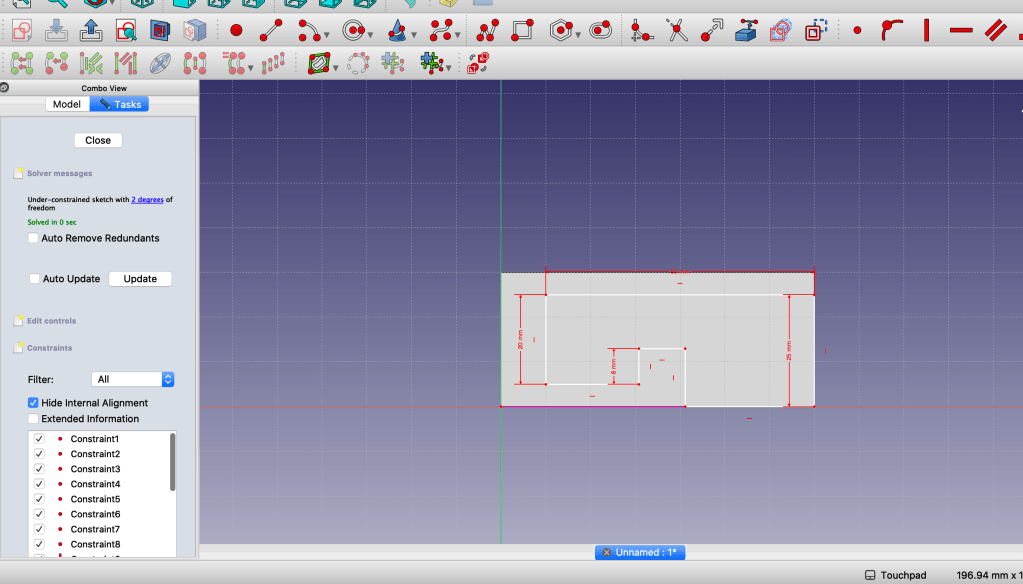

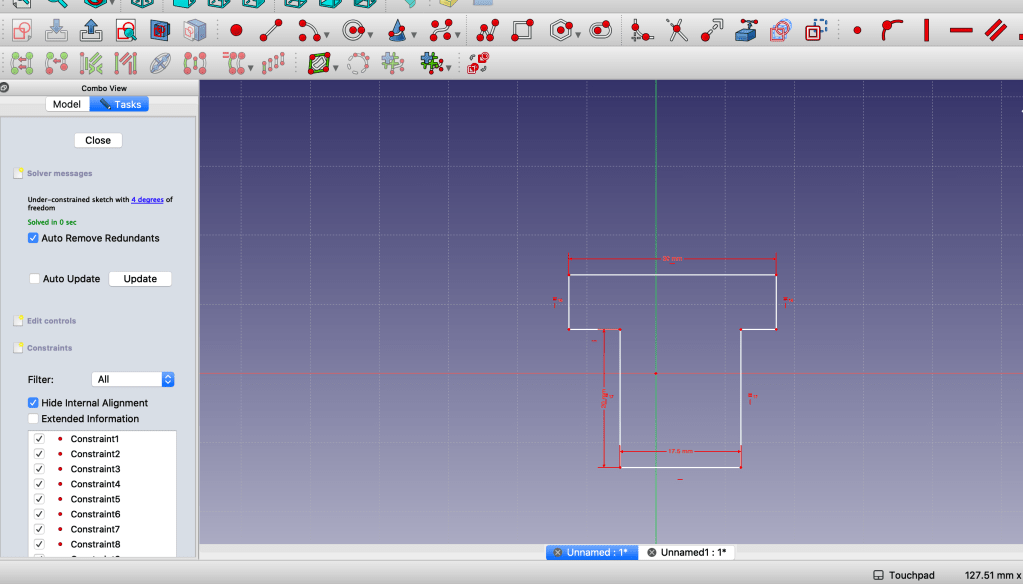
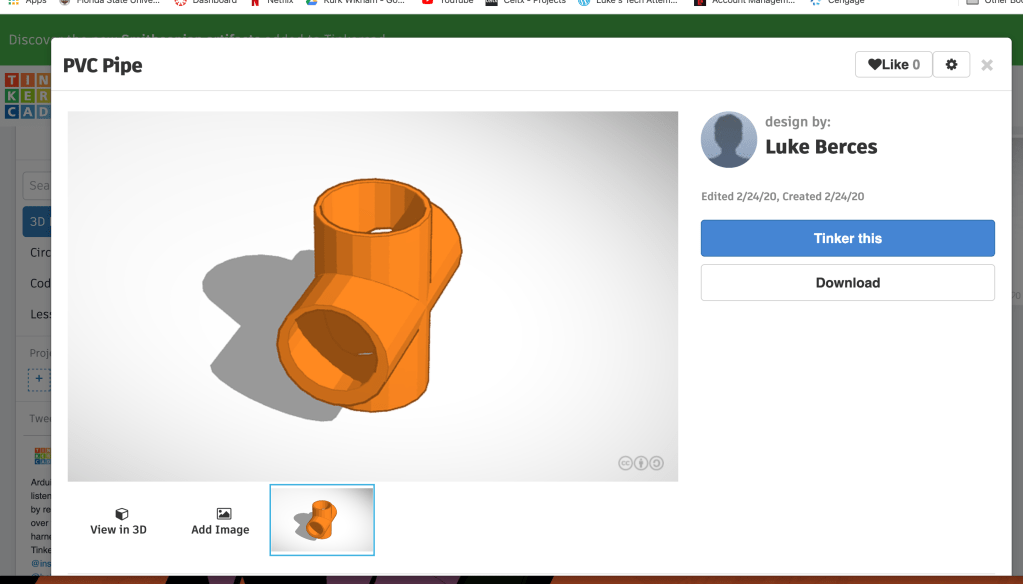
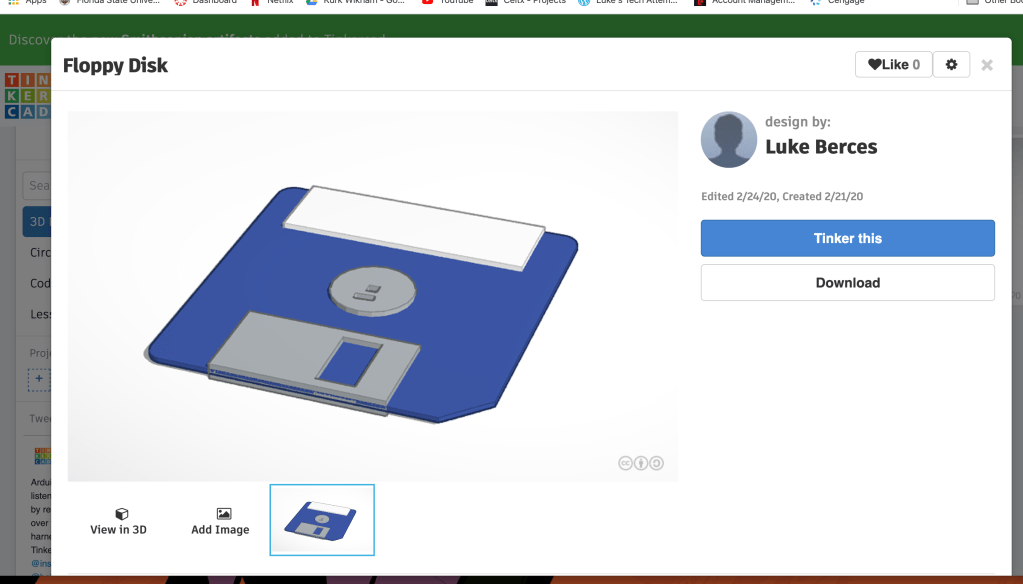
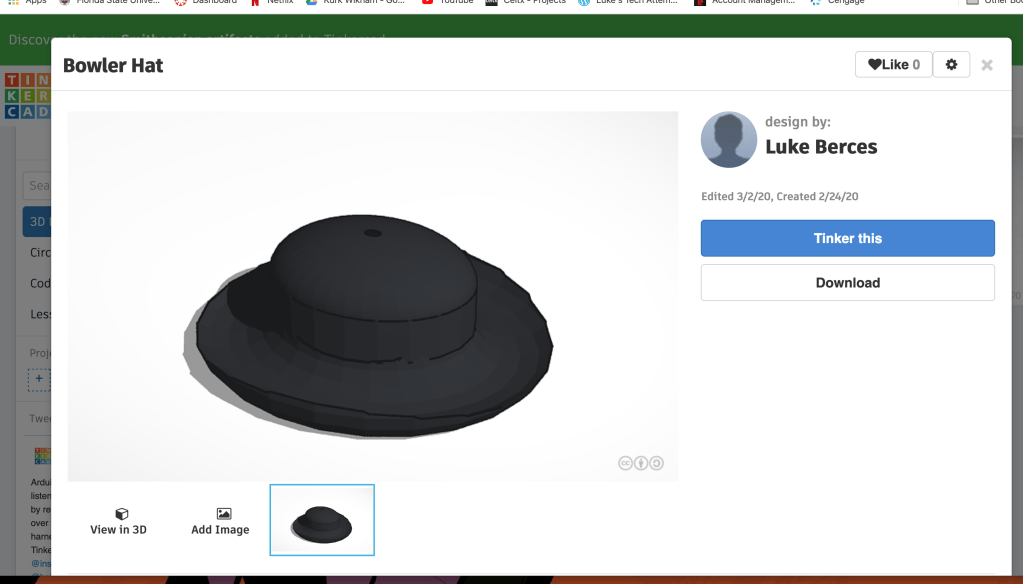
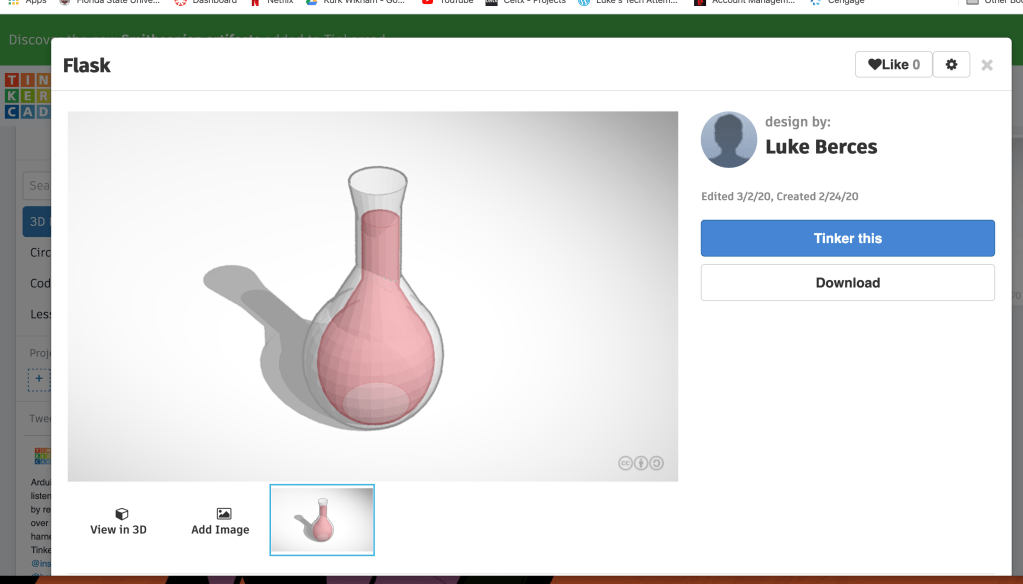

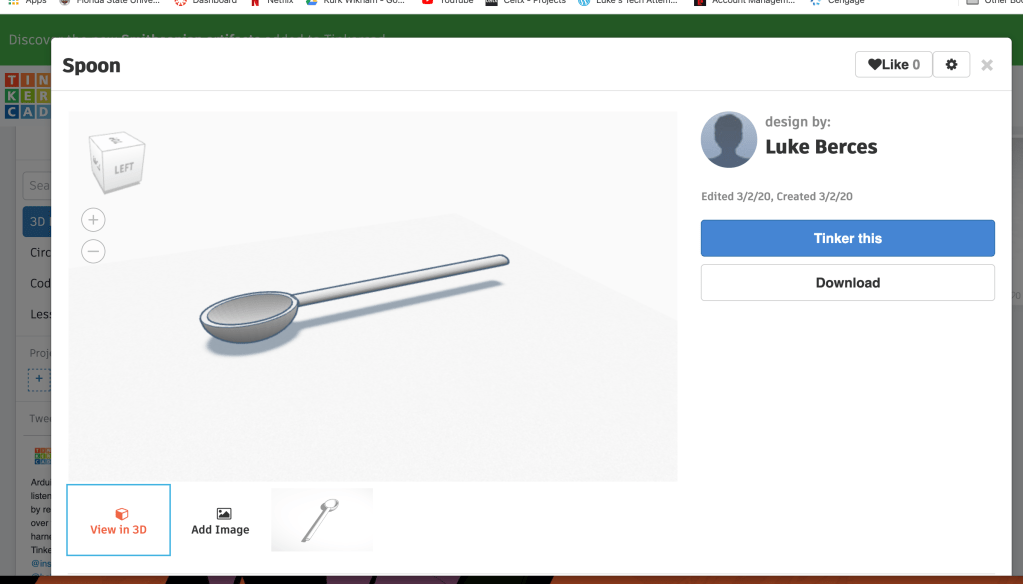
To be completely honest, I was too short on time to even attempt the aviators. However, I think my work on all the other items in Tinkercad speak for themselves.


So, in our group, one member, Nole, had already designed the blocks for a rock-paper-scissor for the previous blog post. We decided to take the random value to image function and spin it into three more games with the same idea: coin flip, dice roll, and magic eight ball. We each took up different roles to clear all the requirements of the app, but mine was specifically to figure out the use for the physical input and output and how one could change between screens. Turns out there’s an accelerometer that senses shaking and a control block that was pretty easy to implement. The screen-changing functions are just control blocks. The vibrating function had to be paired with a sound, and after putting those blocks together it was only a matter of how many milliseconds we wanted to make the phone vibrate for.
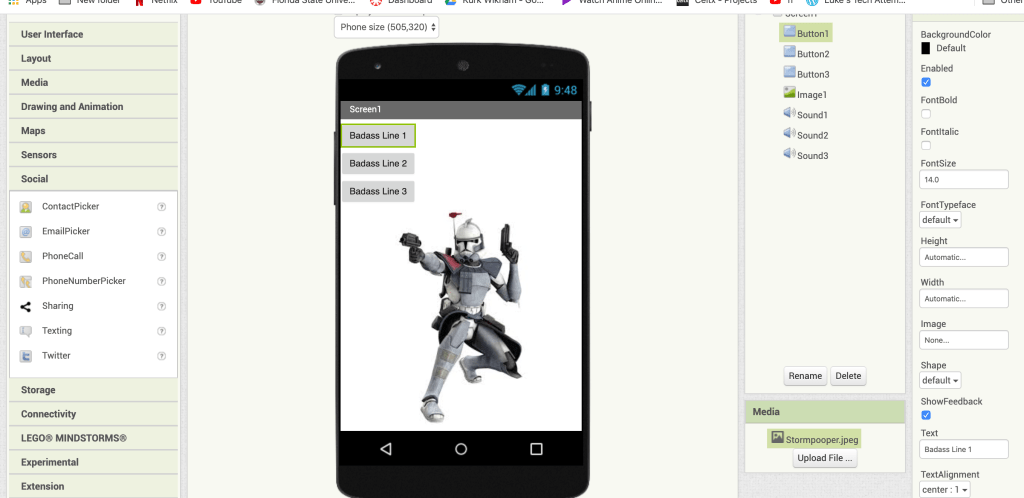
I’ve done it. I have successfully dragged enough blocks, buttons, and sounds for this stormtrooper to say dumb stuff when you press some buttons. Am I proud? Yes, too proud for this extremely simple and plain app, but proud nonetheless. The emulator wasn’t too complicated to figure out when attempting to install and use it. The drag and drop concept of programming wasn’t too complicated either. Perhaps intelligence like this is why I comfortably rest in the 3rd place tech competency category. I was tight on time when fidgeting with the app software, but I managed by avoiding the larger, more intimidating building blocks and stuck to the simple “button does this when pressed” blocks.
Now get ready, because the rest of this post will be riff raff about nothing to meet the word count. So, what I really wanted to do was have the user text the stormtrooper and then have him respond with a zany catchphrase. I managed to get the zany catchphrases to work, but not the text function to instigate it. But, that’s ok, because I still got to enjoy the simple pleasure of recording dumb stuff a stormpooper might say and uploading into the app.

I’m not a particularly gifted scientist. The most I’ve ever tried to do, technologically speaking, is put Windows 10 on my Mac. I do think things like computers and firewalls and hacking are interesting, so I’m excited to learn. I think I’m a pretty quick learner and love a challenge, so hopefully I’ll really enjoy the upcoming modules exercises and tasks. But, there’s also a chance it all goes up in flames, so don’t hold your breath.

Have a WordPress.com account? Log in now.

